Fansly APIFansly API

Fansly AI Fan Summaries: close the month before lunch.

Eleven tabs, three spreadsheets, and somebody’s memory is not a Fansly reporting system. AI Fan Summaries consolidates earnings, trends, and period comparisons across every creator on your roster — filterable by account and date, ready before your AM stand-up starts.

Start Free

Six views. One source of truth.

Pick a creator or your full Fansly roster, set a date range, and the dashboard does the math. No CSV exports, no copy-paste into Slides, no waiting for the data team.

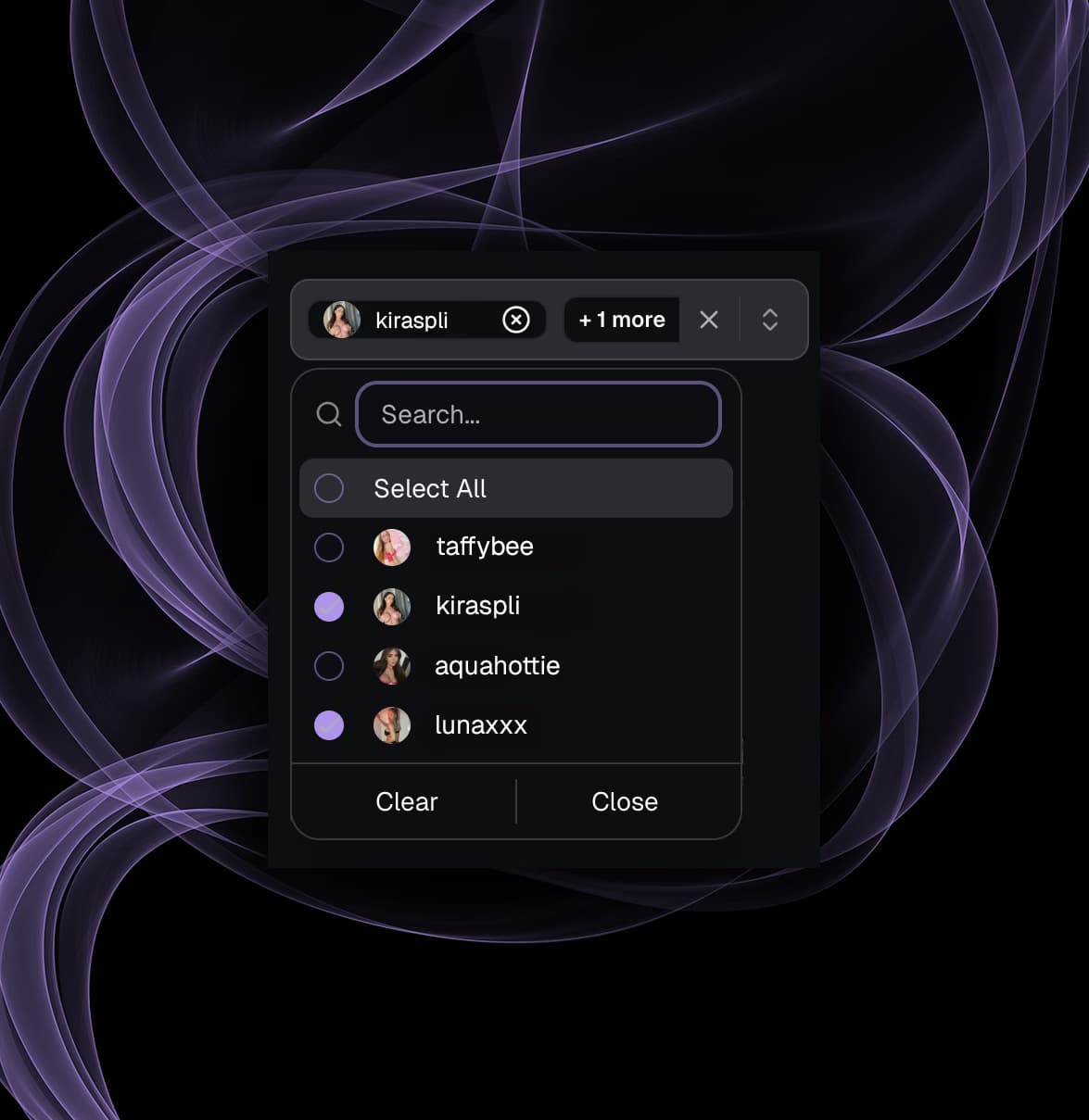
Multi-Creator Selector

One account, a pod of five, or the full 60-creator roster. Every metric, chart, and table snaps to the scope you picked. Solo creator check-ins and quarterly board reviews use the same screen — no extra exports.

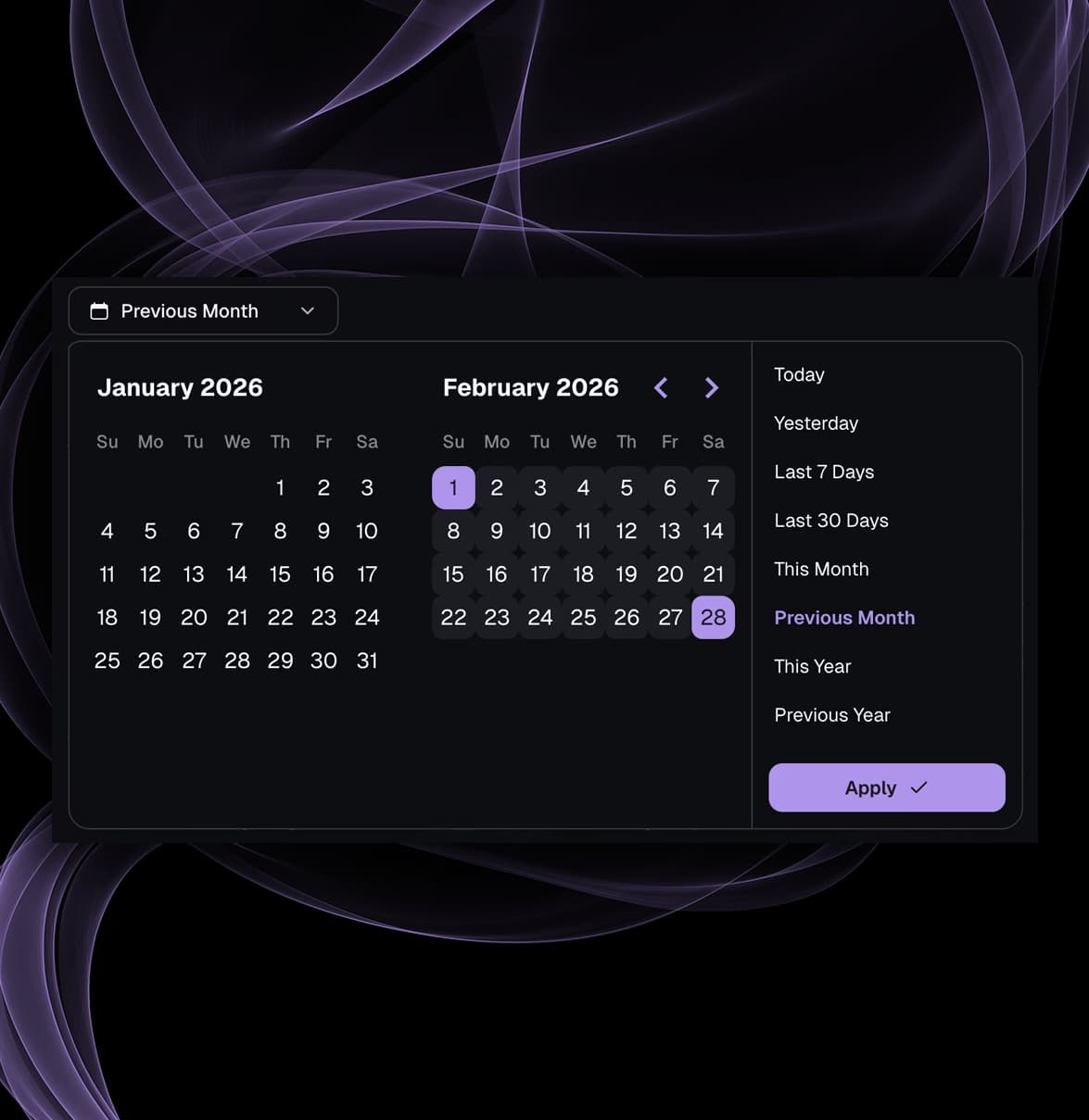
Custom Date-Range Controls

Last 7 days, a specific calendar month, a launch week, a promotion cycle. The date picker shapes itself to your operating calendar — not the other way around. Built for how agencies run, not how dashboards are wired.

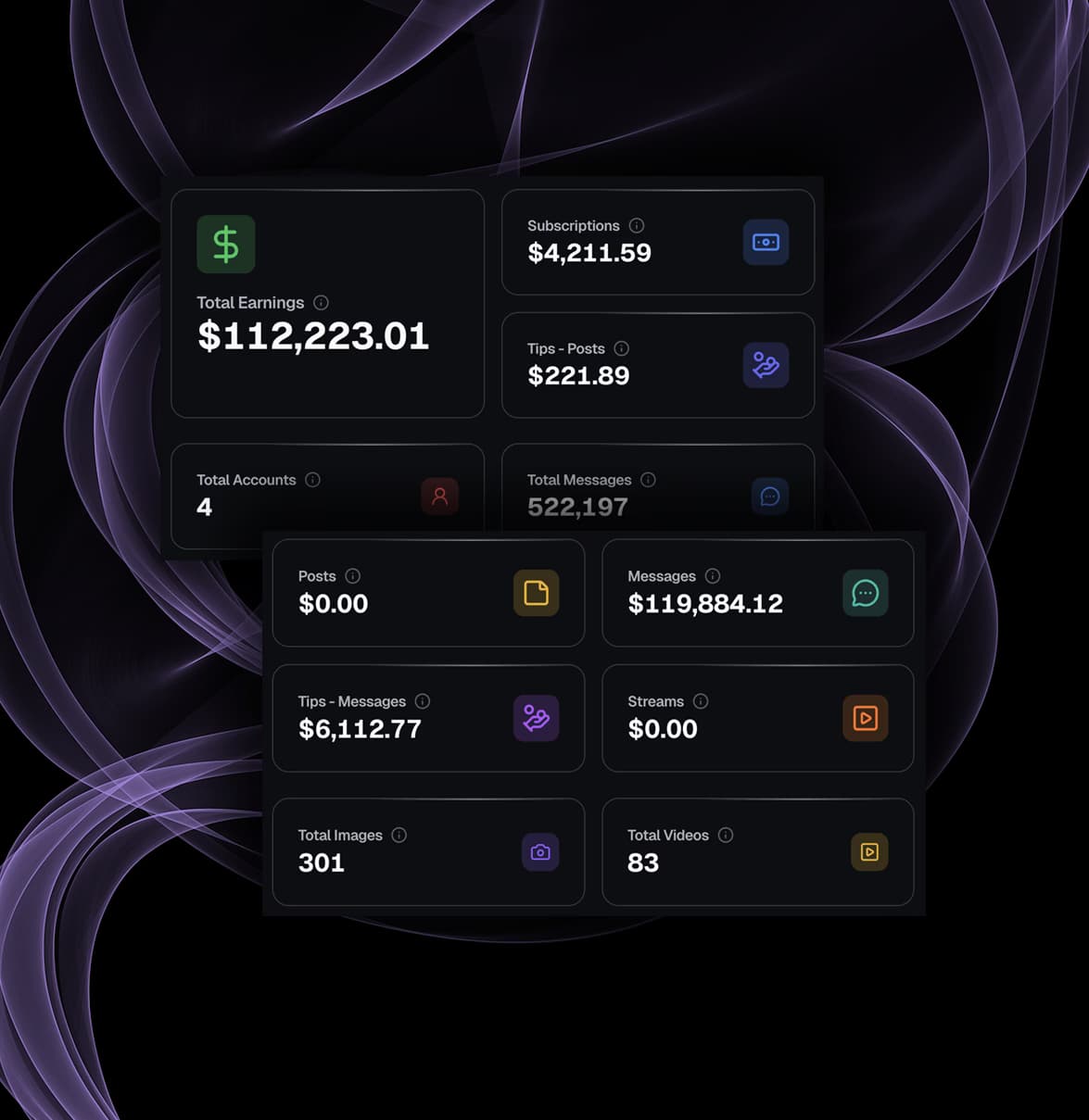
Full Earnings Breakdown

Subscriptions, posts, messages, tips, streams — every revenue category separated and summed. Plus account count, message volume, and media output. The exact line items your finance lead asks for, in the order they ask for them.

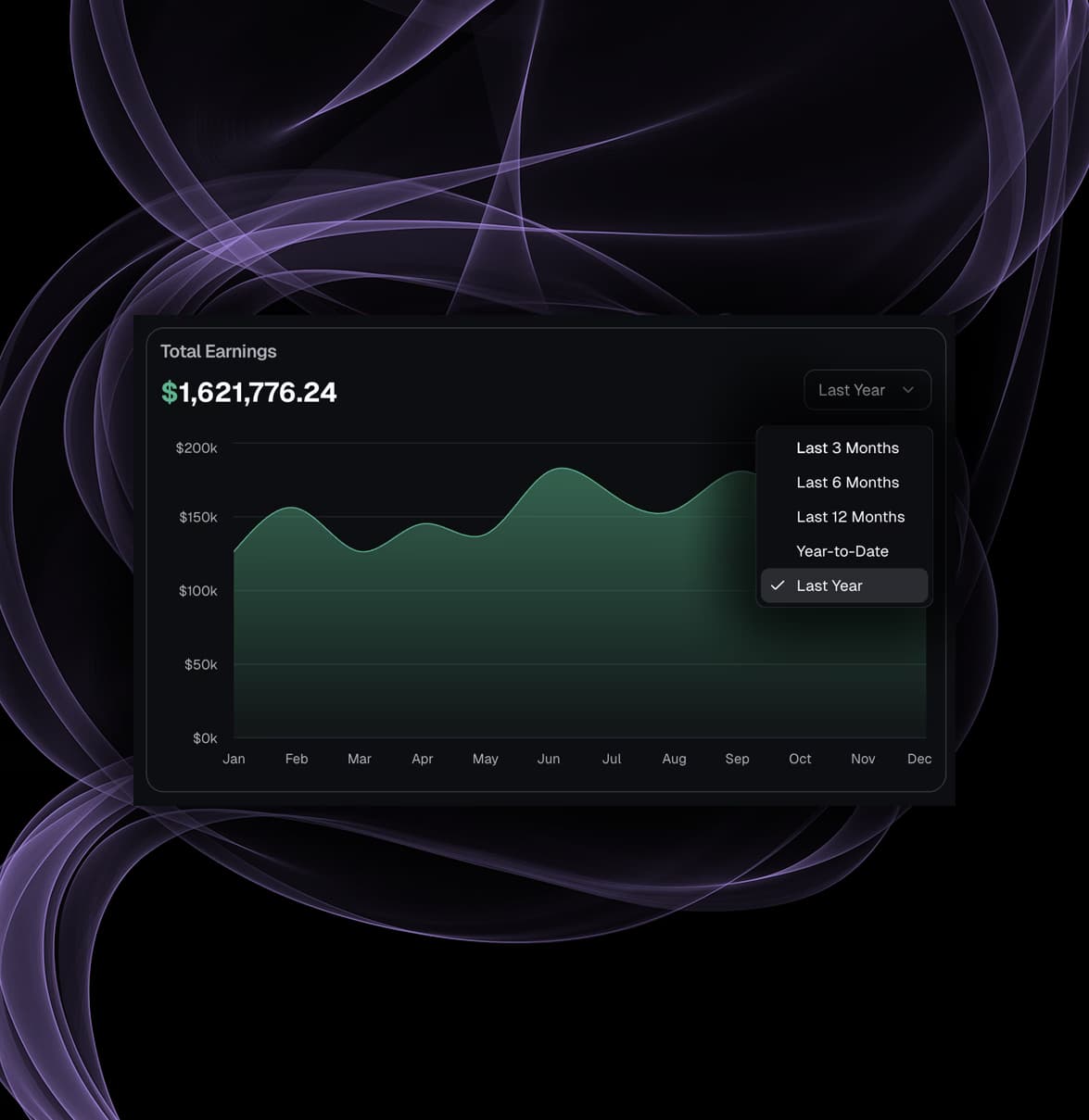
Historical Performance Timeline

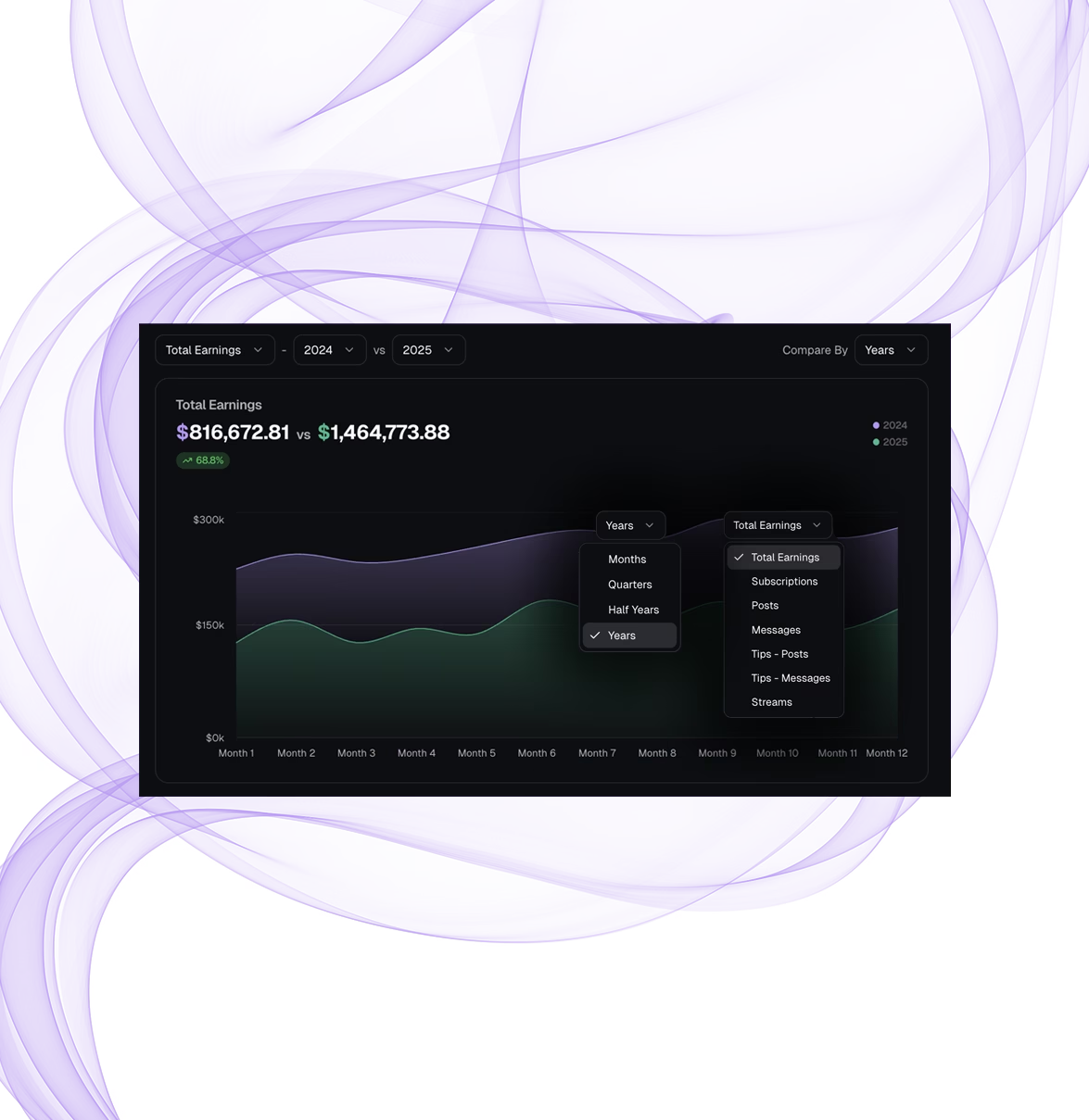
3, 6, or 12 months of Fansly earnings (subscriptions, posts, tips, streams) plotted as a single trend. Inflection points jump off the page. A flat decline reads as a flat decline — not 30 rows in a CSV nobody opens past line 6.

Period-vs-Period Comparison

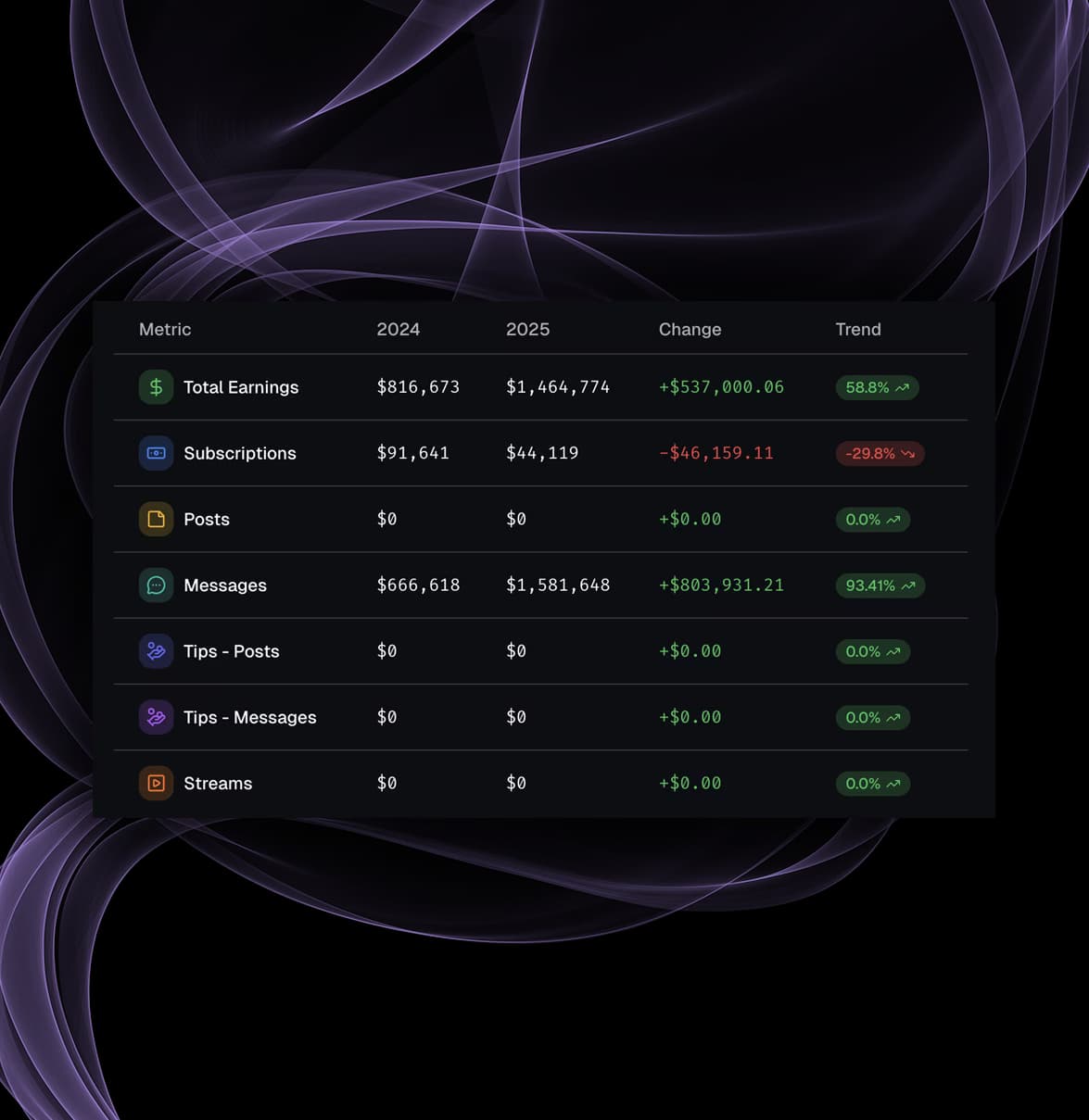
Stack two windows side by side. Absolute delta and percent shift across every line. Answer "what changed and by how much" in five seconds, not five minutes — and not after the executive review has already moved on.

Rapid-Scan Filters

Toggle between revenue categories without leaving the page. Surface the signal, skip the noise. Built for operators answering questions mid-call — not analysts running ad-hoc queries the day after.

Creator selector dropdown with multi-account filtering for Fansly earnings analytics
Date range picker with custom period selection for Fansly earnings analysis
Earnings breakdown panel showing subscriptions posts messages tips and stream revenue
Historical earnings trend chart spanning three to twelve months for Fansly creators
Side-by-side period comparison table with delta values and trend percentages
Quick-toggle metric filters for executive-level Fansly performance review

Fan Summaries API Endpoints

Three endpoints power the core summary workflow: aggregated earnings overviews, time-series history, and structured period comparisons. Production-ready and fully documented.

Earnings Overview

Pull total earnings and category-level breakdowns - subscriptions, posts, messages, tips, streams and content stats for any combination of accounts.

Earnings
Breakdowns
Content Stats

Key endpoints

POST/api/analytics/summary/earnings
View docs

Historical Performance

Return monthly aggregated revenue data across a configurable time range. Feed the numbers straight into trend charts to spot inflection points early.

Monthly Revenue
Trend Charts
Time Range

Key endpoints

POST/api/analytics/summary/historical
View docs

Period Comparison

Compare two time periods and get back summary totals, category breakdowns, and chart-ready data showing exactly what changed and by how much.

Period Delta
Breakdowns
Chart Data

Key endpoints

POST/api/analytics/summary/comparison
View docs

How Fansly agencies and solo creators run on it.

Whether you manage 5 accounts or 200, AI Fan Summaries plugs into the workflows you already run — monthly closes, AM briefs, promo measurement, growth coaching.

Account Manager Briefing Packs

Generate a consistent performance snapshot per AM: earnings mix, content output, creator-level KPIs. AMs walk into check-ins with answers — not "let me pull that and circle back."

Ops
AM Briefs
Structured

Period-End Closeouts

Close monthly and quarterly cycles faster. Pre-structured summary and comparison views show exactly what moved and by how much. No ad-hoc spreadsheet assembly the night before payroll runs.

Month-End
Quarterly
Closeout

Cross-Creator Benchmarking

Line up creators side by side. Spot the outperformers and the underperformers. Redirect team hours toward the accounts with the highest upside — before another pay cycle slips past unnoticed.

Benchmarking
Portfolio
Allocation

Promotion Impact Measurement

Compare custom date windows around a campaign launch, pricing change, or content shift. Measure the lift in hard numbers — subscription dollars, PPV revenue, tip volume — not "felt like a good week."

Campaigns
Before/After
Lift

Operational Pulse Checks

90-second health check on any creator — or the full Fansly roster — during morning stand-up. Trend deltas tell you what needs attention today, before the issue becomes a quarterly write-down.

Pulse Check
Trend Deltas
Priority

Creator Growth Coaching

Hand creators the same consolidated view your AMs use. They see which earnings categories grew, which stalled, and where to push next — backed by their own data instead of an AM hunch.

Creators
Coaching
Growth

AI Fan Summaries — Frequently Asked Questions

What Fansly agencies and creators ask before consolidating their reporting on AI Fan Summaries.

Every metric. Every creator. One consolidated view.

Agencies use AI Fan Summaries to close monthly reporting in minutes and surface earnings shifts before they become problems. Solo creators use it to see exactly where income compounds — and where it leaks. Either way, the data is already waiting.

Start Free