Fansly API account
Free to create. No credit card required to start testing the platform right away.
Point Claude Desktop, Claude.ai, Claude Code, or the Anthropic API at every Fansly account you manage. 80+ fansly_ tools, one OAuth approval, about a minute to connect — no code, no browser scraping.

You need a Fansly API account, a Claude client, and at least one connected creator. The MCP server itself is public — the OAuth approval only authorizes the calls Claude makes against your accounts.
Free to create. No credit card required to start testing the platform right away.
On Connect, Claude sends you to app.onlyfansapi.com to authorize.
Add Fansly accounts from your dashboard so Claude has data to work with.
Any one of these will do. Claude.ai Free allows one custom connector; paid plans allow more.
One-click integration. Paste the MCP URL into Claude’s connector panel and hit Connect.
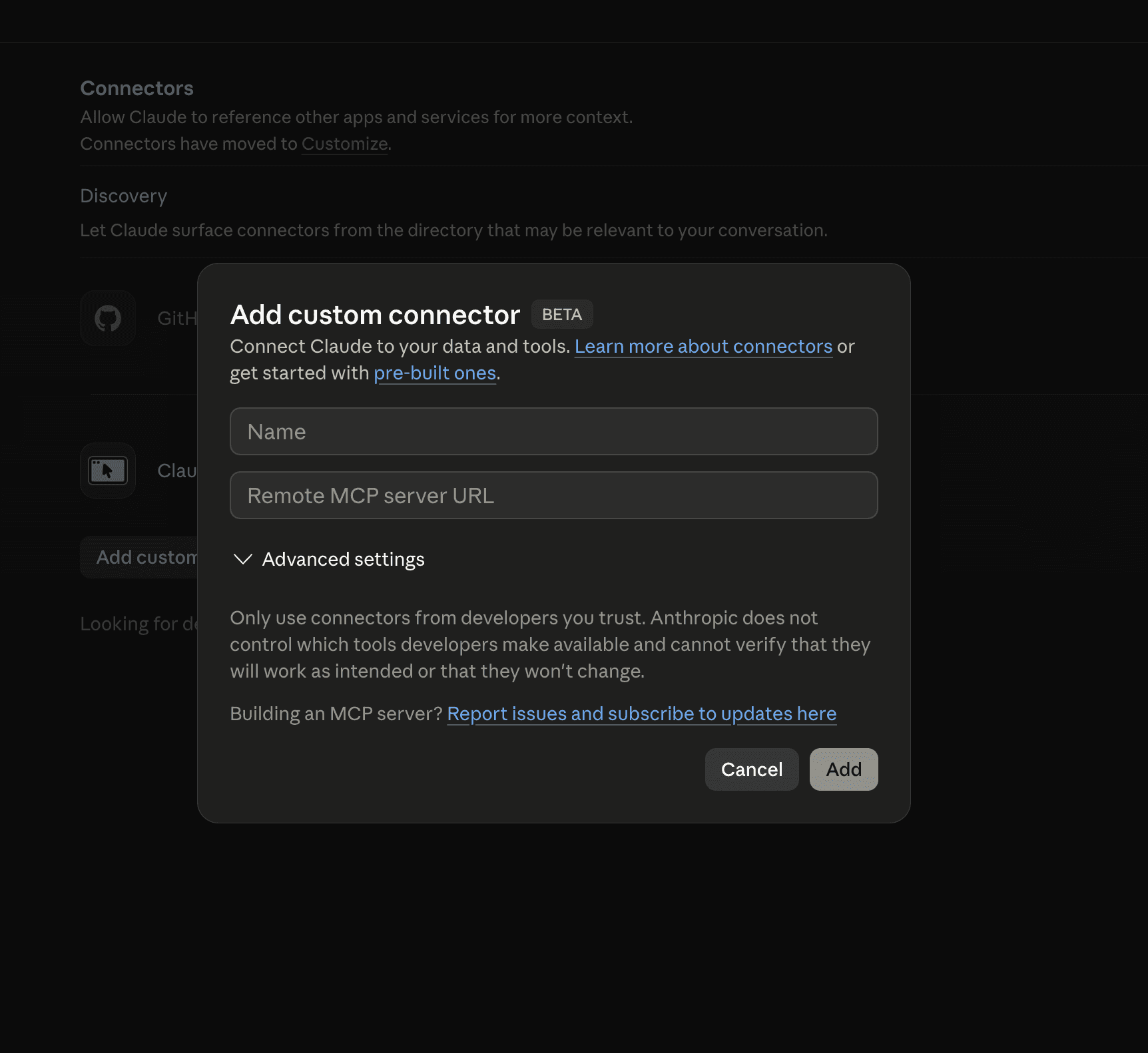
In Claude, open Settings → Connectors → Add custom connector (works the same in Claude Desktop, Claude.ai web, Claude Code, and the Anthropic API).
Paste the Fansly API MCP server URL into the connector field:
https://app.onlyfansapi.com/mcp/onlyfans-mcp?platforms=fanslyClick Connect and authorize. Done — your agent now has 80+ tools across chats, fans, and earnings.
Every prompt here reads live data and acts on your connected Fansly accounts through fansly_ tools — no exports, no tab switching. Paste one in, hit enter, and get an afternoon back.
Summarize today’s earnings per Fansly account as a Slack-ready message.
Replaces the 7am spreadsheet pull and the n8n flow behind it.
Show my top 20 supporters this week and their most recent message.
One answer instead of a dashboard tab per account.
Write a renewal DM for subscribers whose plan ends in the next 7 days.
Turns a 30-minute chatter brief into a 30-second one.
List every chat that has gone 24 hours without a reply from us.
Catches silent threads before the subscriber walks.
Rank last quarter’s tracking links by the new subscribers each one brought in.
Marketing stops asking which promo actually worked.
Mass-message expired subscribers with a 50% come-back discount.
Claude drafts and queues it — your team reviews, then sends.
Post the teaser I uploaded (upload ID 8841) to my wall and flag it for the For You page.
One fansly_sendPost call — FYP is a parameter, not a separate tool.
Add anyone who tipped over $500 this month to my VIP list.
Claude does the thousandths-of-a-dollar math; your VIP list stays clean.
Rewrite my new-subscriber welcome message and A/B test two versions.
Stop guessing — Claude drafts, sends, and compares.
Export every subscriber transaction from this quarter as a CSV.
No more logging in just to download a file.
Straight answers for chatters, managers, and developers weighing up Claude with the Fansly MCP.
Free plan included, paid tiers when you scale. Claude reads chats, sends messages, and reports earnings across every Fansly account without leaving the conversation.